How to Register TNT Load Promos (All Working Methods)
Quick Answer:
To register TNT load promos, use the Smart App for TNT users, send the promo keyword to 4545, dial *123#, visit the Smart/TNT website, or ask a retailer to load it for you. Each method gives a confirmation message when the promo is active.
Registering TNT load promos can be simple and fast. You can use the Smart App for TNT users, send a text, dial a USSD code, visit the website, or go to a retail store to get your chosen promo.
Sometimes registration fails due to an inactive SIM, weak signal, wrong promo code, blocked account, low load, or network issues. Fixing these problems helps ensure smooth promo activation.
This guide shows all working methods and solutions for common problems, so you can register promos fast and keep them active.
How to Activate TNT Load Promos: All Available Methods
Registering TNT promos is simple if you know the right method. Each method has clear steps, and a few minutes of careful following will make sure your promo works without wasting your load.

Method 1: Register Through the Smart App for TNT Users
The Smart App is the official app for TNT subscribers to view and register promos easily. It shows all available options in one place and makes registration quick and reliable.
Steps:
- Download the Smart App from Google Play Store or Apple App Store.
- Open the app and log in using your TNT number.
- Go to the Promos or Offers section to see all available TNT promos.
- Tap on the promo you want and read the details carefully.
- Press Confirm to activate the promo.
- Wait for the confirmation message to make sure the promo is active.
Note: On app stores, it appears as “Smart” with a green icon and is the official GigaLife app by Smart Communications, Inc.
Method 2: Register via Text Keyword
SMS registration works even if your phone has limited space or slow internet.
Steps:
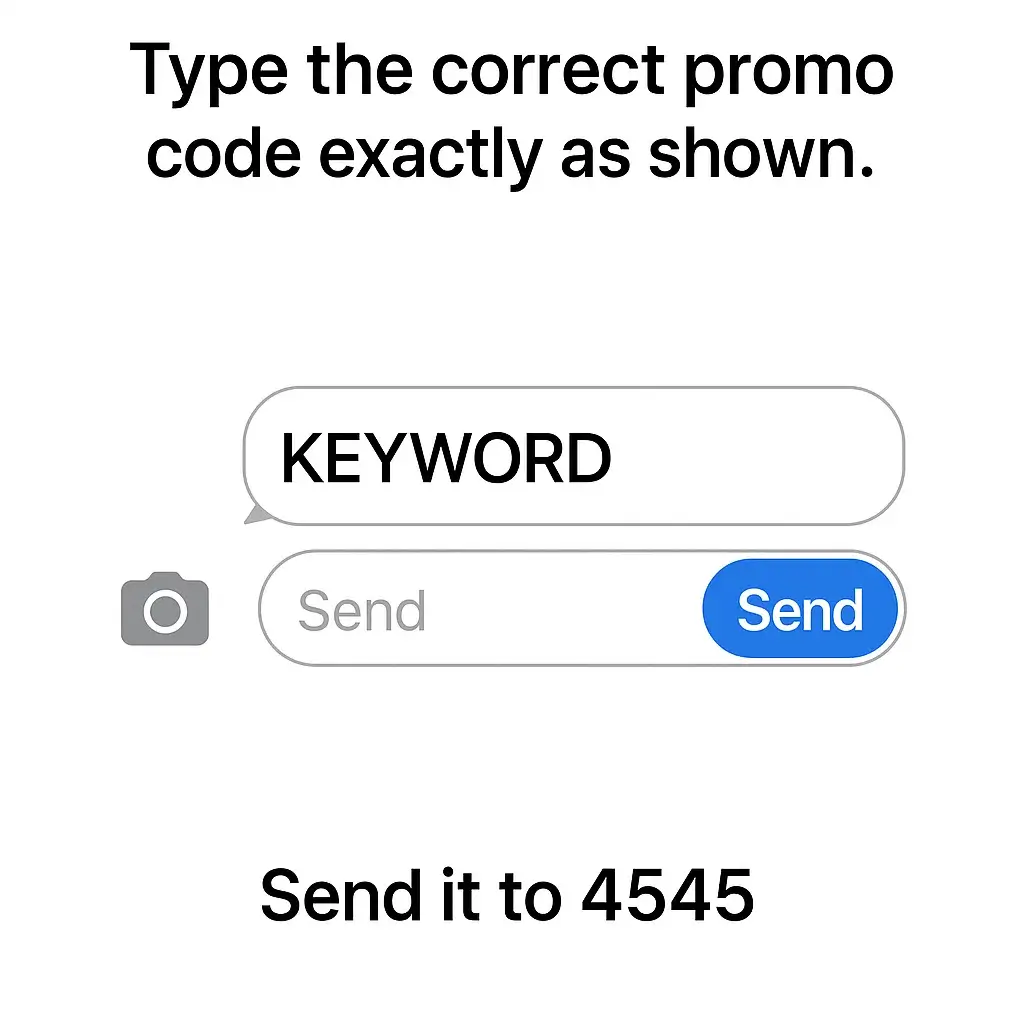
- Open your messaging app.
- Type the correct promo keyword exactly as shown.
- Send it to 4545.
- Double-check the keyword to avoid errors.
- Wait for the confirmation SMS from TNT.
- Once confirmed, start using your promo.
Method 3: Register Using USSD Code
USSD codes are helpful when you don’t have internet access.
Steps:
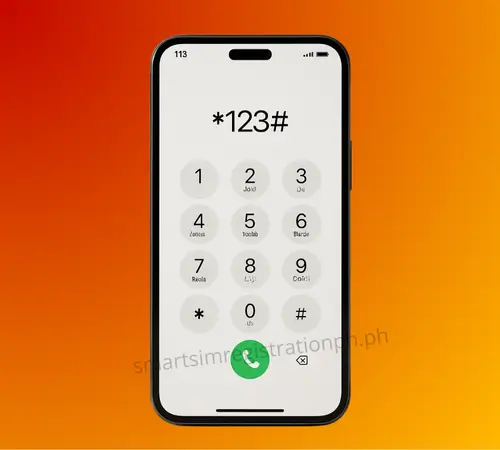
- Dial *123# on your phone.
- Select TNT offers or Promos from the menu.
- Browse the list and choose the promo you want.
- Confirm your selection.
- Wait for the confirmation message.
- Your promo is now active and ready to use.
Method 4: Register Through the Smart/TNT Website
The website method is great if your app isn’t working or you want to compare promos.
Steps:
- Open a browser on your phone or computer.
- Go to https://simreg.smart.com.ph
- Log in using your TNT number.
- Browse available promos and pick the one you want.
- Click Register to activate the promo.
- Wait for the confirmation message.


Method 5: Register at Any Retail Store or Sari-Sari Store
If you prefer a hands-on approach, a local retailer can help register promos for you.
Steps:
- Go to a TNT retailer or nearby sari-sari store.
- Give your TNT number to the retailer.
- Tell them which promo you want to register.
- Wait while the retailer processes the promo.
- Receive a confirmation from the retailer.
- Your promo is active and ready to use.
TNT Promo Not Working? Here’s How to Fix It
Even when you follow the steps to register TNT promos, a few problems can occur. These issues are usually easy to fix once you know the reason behind them. Below are the most common problems and simple ways to solve them.
SIM Not Active
A SIM may be inactive if it has not been registered, it was recently deactivated, or it hasn’t been used for a long time.
How to fix it:
No Signal or Weak Signal
Weak or no signal stops promo registration because your phone cannot connect to the network.
How to restore signal:
Wrong Promo Code
Entering an incorrect promo code prevents registration. Typos or expired codes are common reasons for failure.
What to check:
Account Blocked Due to Previous Failed Attempts
TNT may temporarily block a number after multiple failed registration attempts to prevent system abuse.
How to reset attempts:
Insufficient Regular Load
Promos require a minimum amount of regular load to be activated. Not having enough load will stop the registration.
How to fix it:
Network Outage
Network problems on TNT’s side can prevent registration, even when your phone works fine.
What to do:
Tips to Make TNT Promo Registration Smooth
Registering TNT promos becomes easier when you follow a few simple practices. These tips help avoid errors, speed up the process, and keep your promos active without hassle. If your SIM is new or not yet registered, complete Smart SIM Registration first so every promo works smoothly.
Check Your Balance First
Ensure your regular load meets the promo requirement before attempting registration. This prevents failed attempts and saves time.
Keep Your SIM Active
Use your TNT number regularly and complete any necessary registration steps to avoid an inactive SIM, which can block promos.
Use a Strong Signal
Move to an open area or restart your phone to improve connectivity before registering. A strong signal ensures your registration goes through.
Double-Check Promo Codes
Enter the correct letters and numbers exactly as shown in the official list. Typos or expired codes will cause registration to fail.
Avoid Repeated Attempts
Sending the same code multiple times quickly can block your account temporarily. Wait for confirmation before trying again.
Use the Right Method
Choose the app, text, USSD, website, or store method that works best for your situation. Picking the correct method reduces errors.
Stay Updated on Outages
Follow TNT’s official announcements to avoid failed attempts during network problems. Waiting for restoration ensures success.
Confirm Registration
Always wait for the confirmation message before assuming the promo is active. This guarantees your promo is applied correctly.
Conclusion
Registering TNT load promos is easy when you follow the right steps. You can use the Smart App for TNT users, text, USSD code, website, or visit a retailer to activate your promo. Sometimes registration fails due to an inactive SIM, weak signal, wrong code, blocked account, low load, or network outage.
Checking your balance, confirming the promo code, keeping a strong signal, and choosing the right method ensures smooth registration. Follow these tips to get your promos active quickly and without frustration.
FAQs About Registering TNT Load Promos
How do I register a TNT load promo?
You can register TNT promos using the Smart App, by texting the promo keyword to 4545, dialing *123#, visiting the Smart/TNT website, or asking a sari-sari store or retailer to load the promo for you.
How much is TNT Unli Data?
TNT Unli Data prices vary depending on the validity. The common offers are ₱30 for 1 day, ₱199 for 7 days, and ₱999 for 30 days. Some areas may also get special Unli 5G or Non-Stop Data variants through the Smart App. Prices may change, so check the Smart App or *123# for the latest available Unli Data promos.
How do I check if my TNT promo is active?
You will receive a confirmation message from TNT. You can also check your active promos on the Smart App or by dialing *123#.
Is the Smart App the same as GigaLife?
Yes. TNT users use the Smart App (GigaLife) to view balance, register promos, and manage their account.
What is the difference between promo load and regular load?
Regular load is your main balance for calls, texts, and promo registration. Promo load is a bundled offer with specific data, call, or text benefits for a limited time.