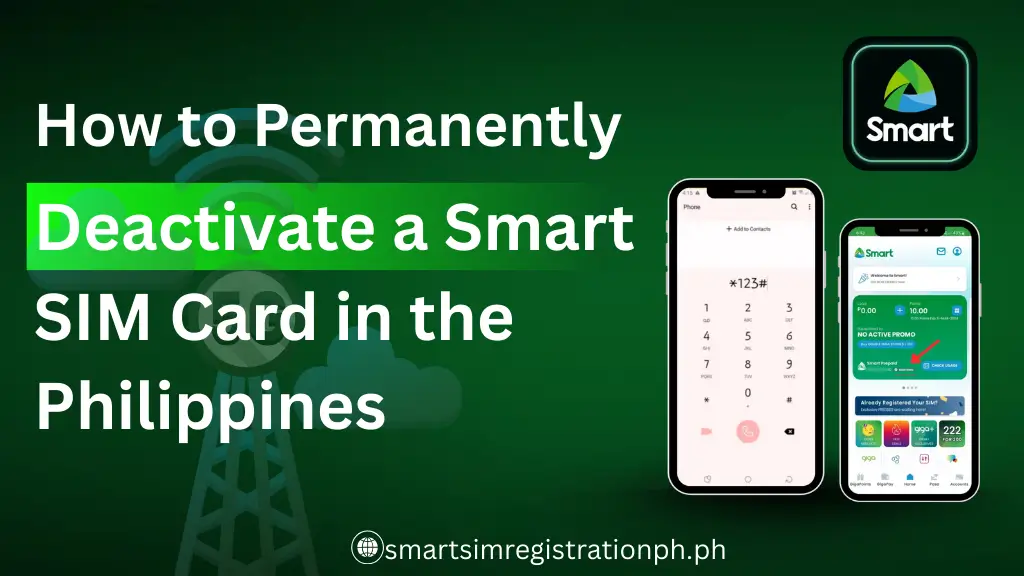
How to Permanently Deactivate a Smart SIM Card in the Philippines
Quick Answer:
Permanently deactivate a Smart SIM in the Philippines by contacting Smart, visiting a store with your ID and SIM, or using your online account.
To permanently deactivate a Smart SIM card in the Philippines, contact Smart customer service or visit a Smart store with a valid ID and your SIM details. People deactivate their SIMs when it is lost, when switching numbers, or to protect their privacy.
This article will guide you through the exact steps to deactivate your SIM, explain the requirements you need to prepare, and provide practical tips to avoid mistakes. By following this guide, you can ensure your SIM is safely and permanently deactivated.
Why You Might Need to Deactivate Your Smart SIM
Before you deactivate your Smart SIM, it’s helpful to understand the main reasons why doing so might be necessary for your security and convenience.
Lost or Stolen SIM
If your Smart SIM is lost or stolen, someone could make calls, send messages, or access accounts linked to your number. This may lead to unexpected charges or privacy breaches. Deactivating it quickly prevents unauthorized use.
Switching to Another Number or Provider
When moving to a new number or provider, closing your old SIM stops service overlaps and accidental charges. It’s like handing in your old office badge, removing access and clearing confusion.
Preventing Unauthorized Transactions
Active SIMs can be exploited for banking or online verification codes. Deactivating your SIM blocks unauthorized transactions and keeps accounts secure, similar to locking a mailbox to protect your mail.
Requirements for Deactivating a Smart SIM
Before you can deactivate your Smart SIM, you need to prepare a few important items to make the process smooth and secure.
Personal Identification
You need a valid ID so Smart can confirm your identity. They usually accept:
Bring a clear, original ID so Smart can verify your identity and close the line safely.
SIM Card Information
Smart also needs the SIM number, phone number, or other account details linked to the line. Required items include:
Providing these details helps Smart close the correct line without mistakes.
Account Verification
Smart will ask a few questions to confirm the request comes from the rightful owner. Required items may include:
These checks confirm your identity so Smart can safely deactivate the SIM.
Step-by-Step Guide to Permanently Deactivate Smart SIM
You can deactivate your Smart SIM using several methods depending on your preference and convenience. After deactivation, if you plan to get a new SIM, you can follow the steps in our Smart eSIM Registration guide to set it up quickly and securely.

Option 1: Via Smart Customer Service
You can contact Smart through phone, chat, or email to request deactivation.Steps to follow:Steps to follow:
Steps to follow:
- Call Smart customer service at 123 (or the local hotline).
- Prepare your valid ID and SIM details.
- Verify your account information when asked.
- Request permanent deactivation and note any reference number for confirmation.
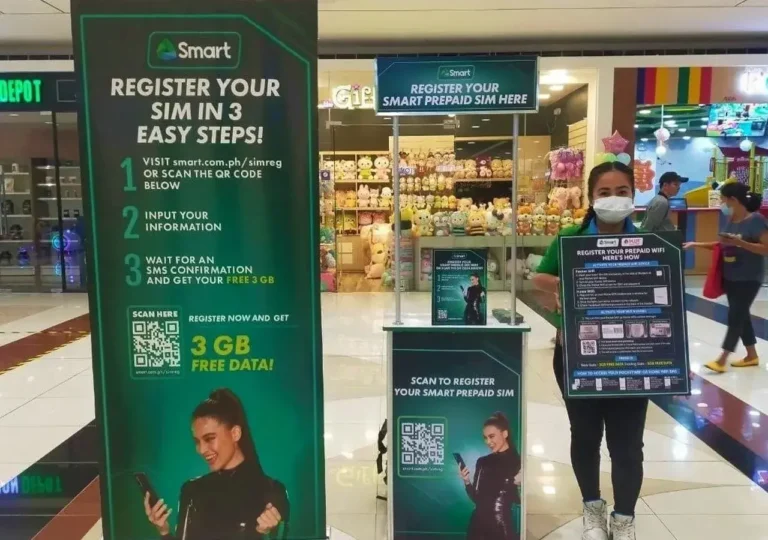
Option 2: Visiting a Smart Store
Visiting a Smart store allows you to complete the process in person.
Steps to follow:
- Bring your valid ID and the SIM card.
- Inform the staff that you want to permanently deactivate your SIM.
- Provide account details for verification.
- Wait for confirmation that the SIM has been deactivated.
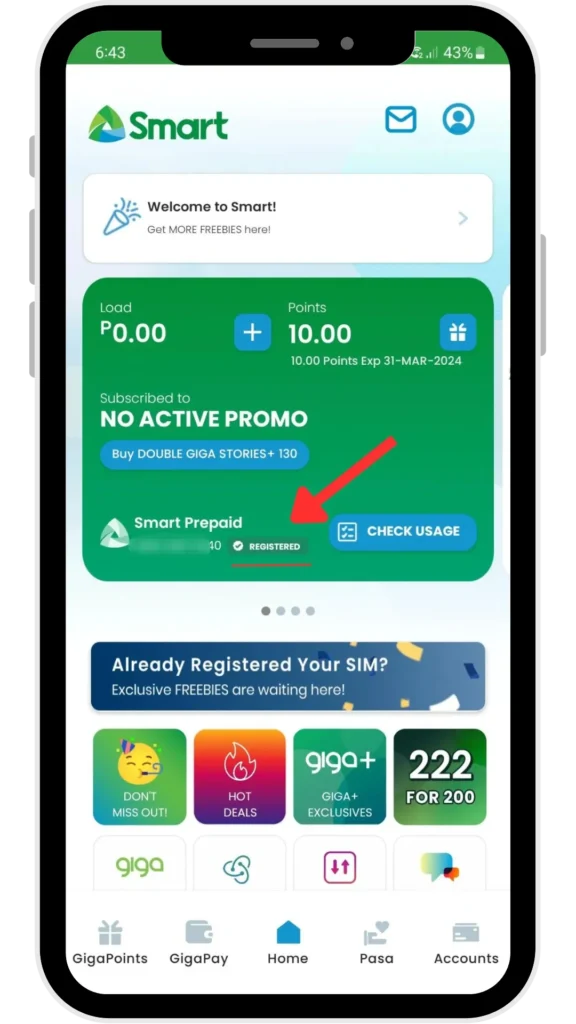
Option 3: Online Account Management (If Available)
Some users may be able to deactivate their SIM through Smart’s online portal.
Steps to follow:
- Confirm your identity if prompted and submit the request.
- Log in to your Smart online account.
- Navigate to the SIM management or account settings section.
- Select Deactivate SIM and follow the instructions.
Tips and Precautions Before Deactivating
Preparing a few key steps beforehand helps ensure the deactivation process is quick and trouble-free.
Backup Contacts and Messages
Save important contacts and messages before closing your Smart SIM. Use cloud services, email, or export apps. This keeps numbers and chat histories even after the SIM is deactivated.
Clear Subscriptions and Auto-Pay Services
Cancel all subscriptions or auto-pay services linked to your SIM. This prevents unexpected charges after deactivation. Think of it like turning off lights before leaving a house.
Confirm Permanent Deactivation
Ask for confirmation that the SIM cannot be reactivated. This ensures the line is fully closed and protected from accidental or unauthorized use.
Common Issues and How to Solve Them
Even when you follow the steps, a few problems can occur. Here’s how to handle them. For guidance on common issues, see Smart SIM Errors.
Verification Problems
If your ID or account information doesn’t match, Smart may not process your request immediately.
How to solve it:
- Double-check that your personal details match what Smart has on record.
- Bring a second valid ID when visiting a store.
- Contact customer service for guidance if online verification fails.
SIM Already Lost or Damaged
If your SIM is lost or physically damaged, you can still request deactivation.
How Smart handles it:
- Provide your phone number and account details for verification.
- Smart can deactivate the number without the physical SIM.
- Keep a record of your request for future reference.
Delays in Deactivation
Some requests may take time to process, especially during busy periods.
What to expect:
- Deactivation can take 24–48 hours after the request.
- Follow up with customer service if confirmation is delayed.
- Keep any reference numbers or emails for proof of request.
Final Thoughts
Deactivating your Smart SIM is straightforward if you follow the right steps. Always have your valid ID, SIM details, and account information ready. Back up your contacts, clear subscriptions, and confirm that the SIM is fully deactivated to prevent unauthorized use or billing issues.
Using customer service, visiting a Smart store, or accessing the online portal allows you to complete the process smoothly and securely. Following these steps protects your personal information and keeps your mobile accounts safe.
Frequently Asked Questions
How can I deactivate my registered SIM card in Philippines?
You can deactivate your registered SIM card in the Philippines by contacting your network’s customer service, visiting a store with your valid ID and SIM details, or using the online account portal if available. Make sure your ID, SIM number, and account information are ready to complete the process smoothly.
Can you unregister a sim card?
Yes, you can unregister a SIM card by contacting your network provider, visiting a store with your valid ID and SIM details, or using the online account portal if available.
How to avoid sim deactivation?
To avoid SIM deactivation, keep your account active by regularly using the SIM for calls, texts, or mobile data, maintain your account balance or load, and renew any expired subscriptions or promos linked to the SIM.
Is it possible to reactivate deactivated globe and smart sim card?
Yes, it is sometimes possible to reactivate a deactivated Globe or Smart SIM, but it depends on how long it has been deactivated. Contact customer service as soon as possible with your ID and SIM details to check if reactivation is allowed. After a long period, permanent deactivation may prevent reactivation.
Do I need to backup contacts or messages?
Yes. Save contacts and messages using cloud services, email, or export apps before deactivating the SIM.
How long does it take to deactivate a Smart SIM?
Deactivation usually takes 24–48 hours after the request. You can follow up with customer service if it’s delayed.